Office relocation
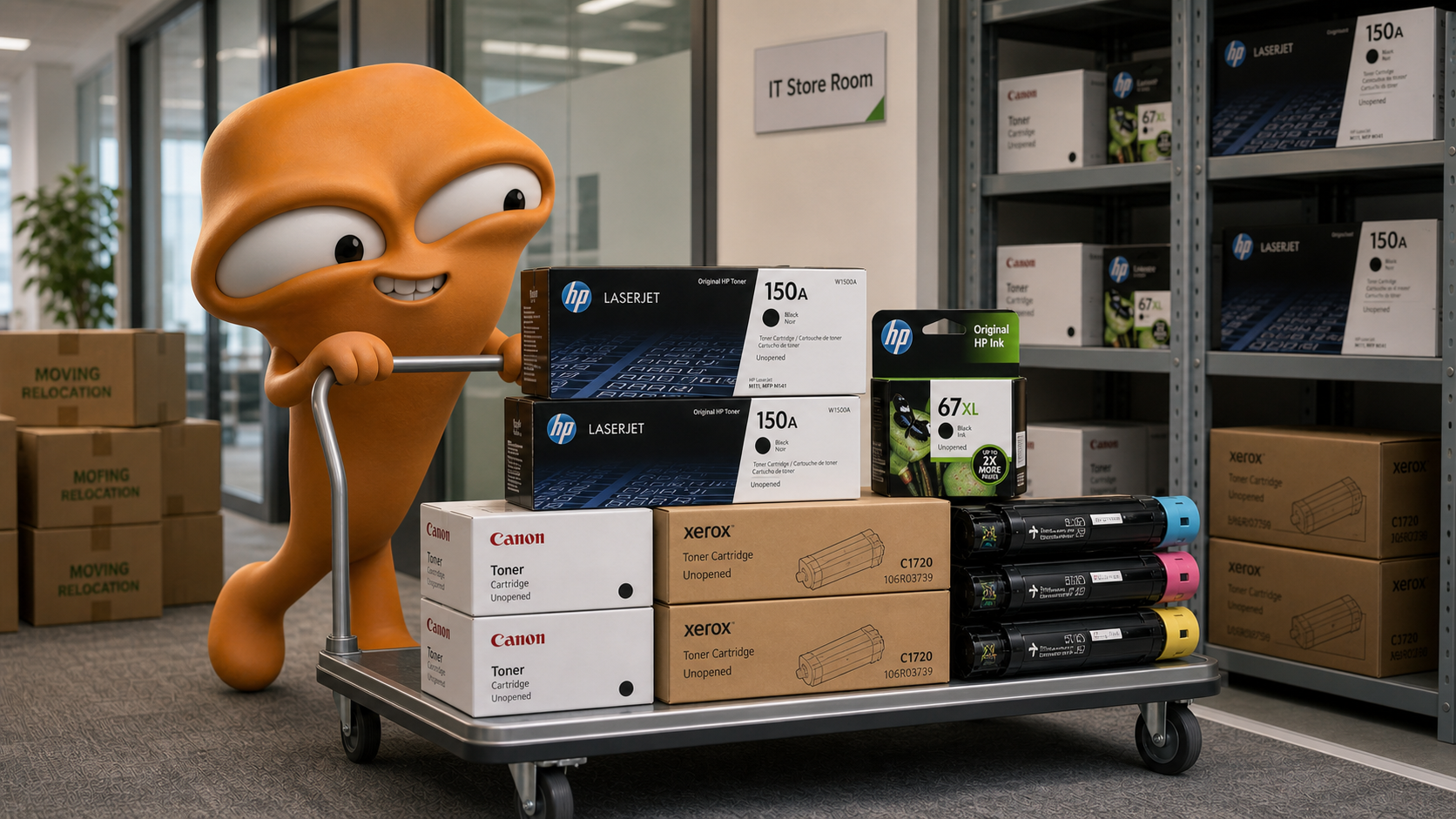
Sort sealed OEM consumables before moving day so surplus stock does not get mixed with waste disposal.
Before moving day
Printer replacement, office relocation and IT storeroom cleanup often leave sealed OEM consumables behind. Send photos first so we can confirm whether the stock fits the recycling or pickup scope.
Common clearance scenarios
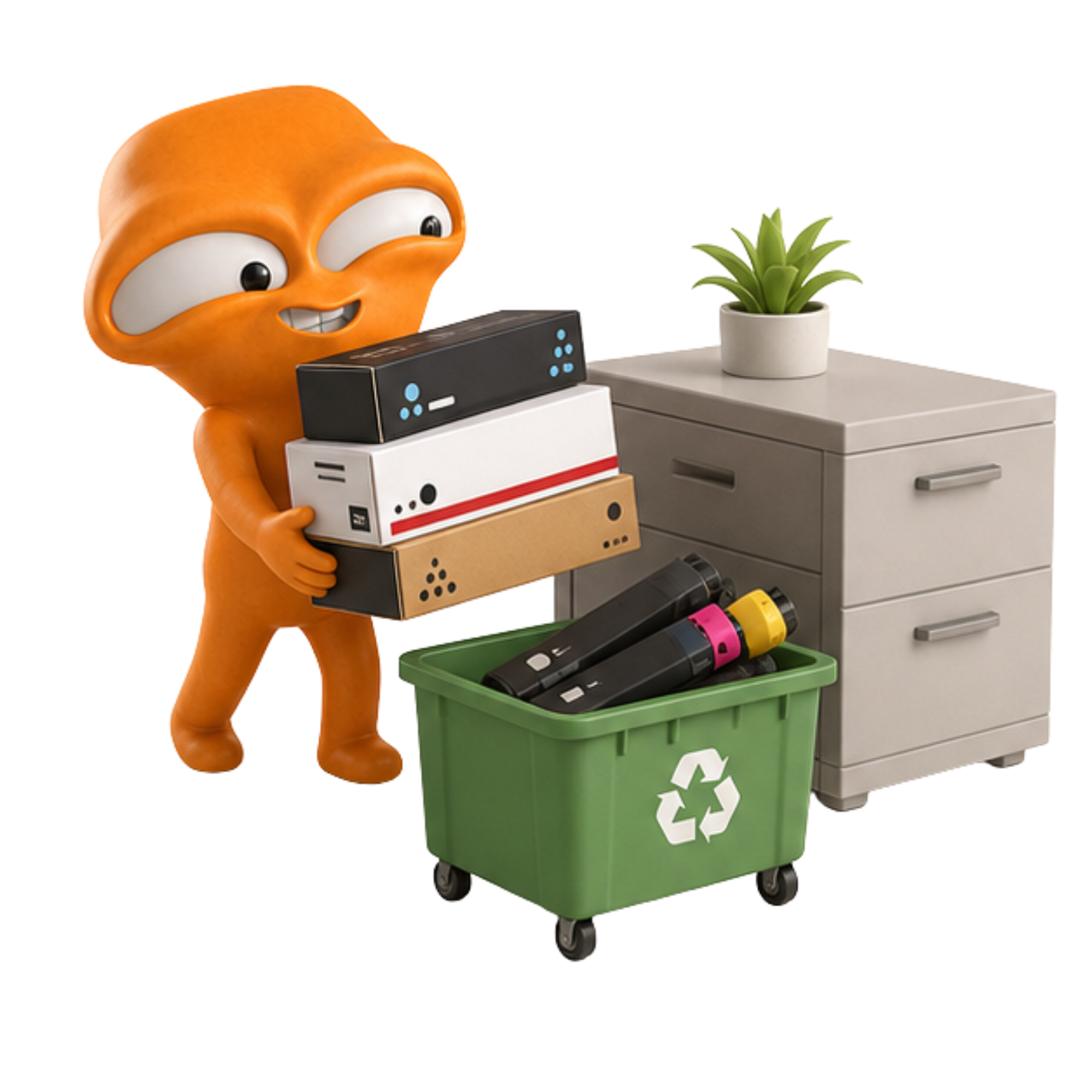
The key is separating brand-new OEM inventory from used waste consumables. We confirm packaging photos and quantities first, then assess whether recycling, handling or pickup is suitable.
Sort sealed OEM consumables before moving day so surplus stock does not get mixed with waste disposal.
When a company changes printer models or lease plans, unopened old-model toner or ink can be checked first.
Wrong models, duplicated storage or department overstock may qualify if the items remain unopened OEM stock.
Group mixed brands and models, then send a clear list and photos for review in one go.
Before clearance
Three-step workflow
| Item | Suitable | Not suitable |
|---|---|---|
| Suitable scenarios | Relocation, printer replacement, IT storeroom cleanup, storage surplus | General rubbish removal, empty cartridge disposal, public recycling enquiries |
| Consumable condition | Brand-new, unopened, original OEM toner / ink | Used, empty, compatible, remanufactured or opened items |
| Enquiry details | Brand, model, quantity, packaging photos, pickup district | Text-only description with no photos or quantities |
| Pickup arrangement | Can be arranged after eligibility confirmation | Generally not arranged if the items are outside scope |
B2B handling record
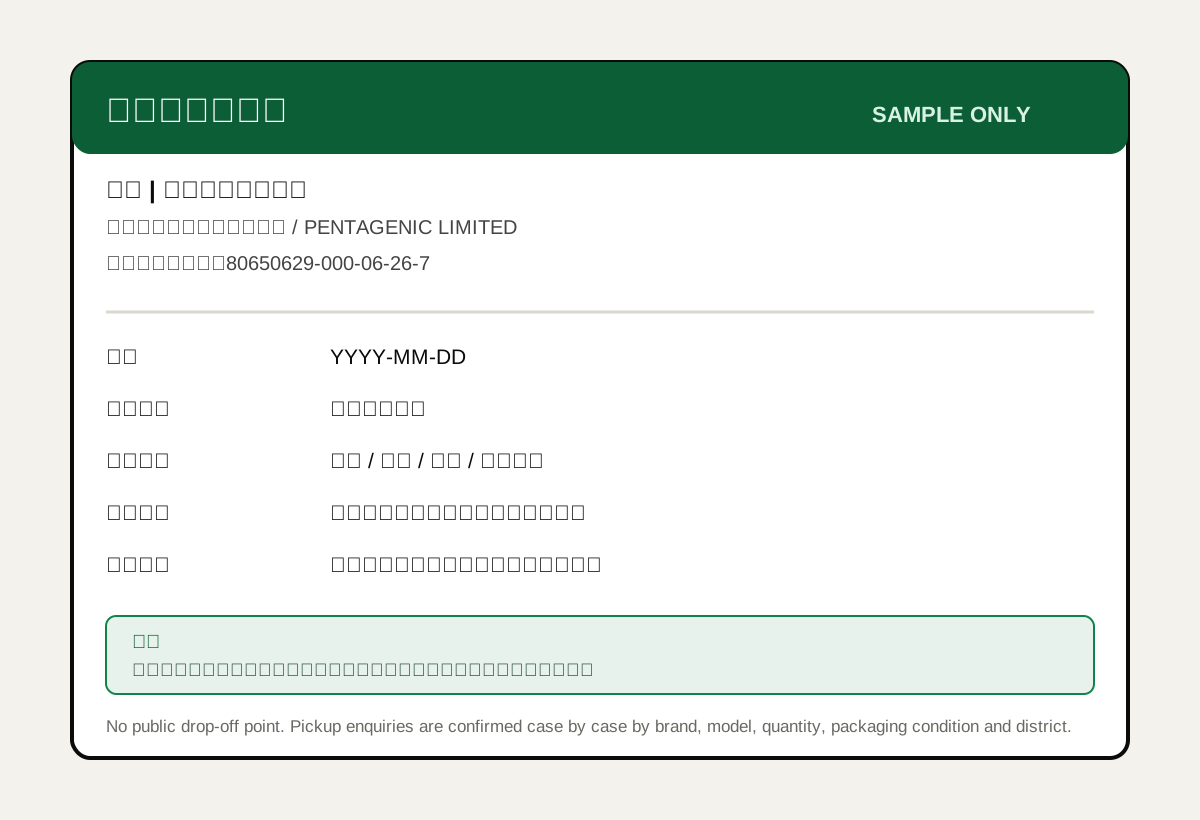
Offices or IT departments that need an internal handling trail may request a simple recycling confirmation record after item eligibility and pickup details are confirmed.
Common questions
Sort the unopened OEM cartridges by brand and model, take photos of the packaging, list the quantities and send the pickup district for review. Qualifying items may be arranged for recycling or pickup.
Yes, if the cartridges are brand-new, unopened and original OEM stock. Please send clear photos and a quantity list before any pickup is confirmed.
No. The service mainly handles unopened original OEM toner and ink. Empty, used, opened, compatible and remanufactured items are generally not accepted.
Several days before relocation is recommended so there is time to confirm models, quantity, district and pickup arrangement.
Separate unopened original OEM stock from opened, used or compatible items first. Then send photos and quantities of the unopened items only so eligibility can be checked quickly.
Before clearance
Send packaging photos, model numbers, quantities and district so we can confirm whether the items qualify.